Image Studio
AI Scene Image Generator
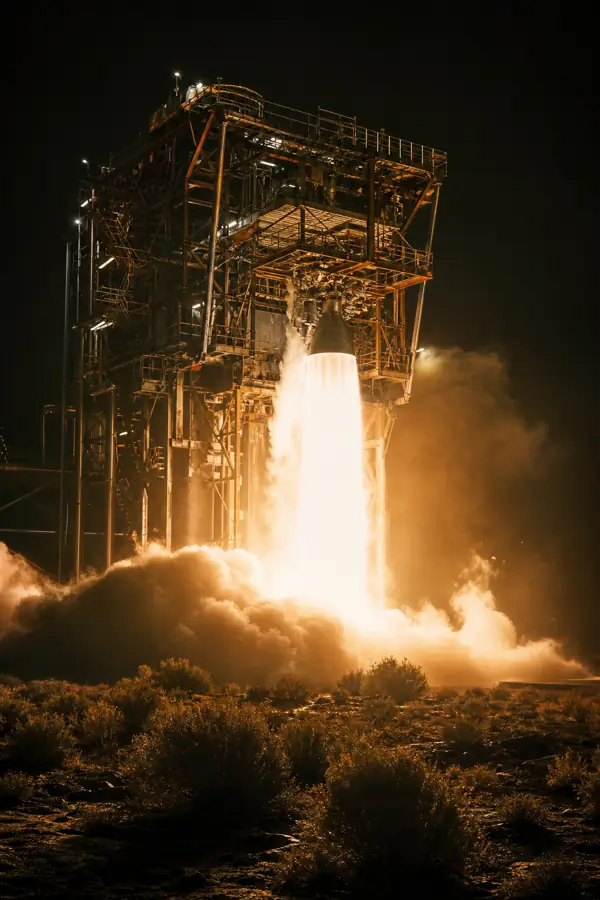
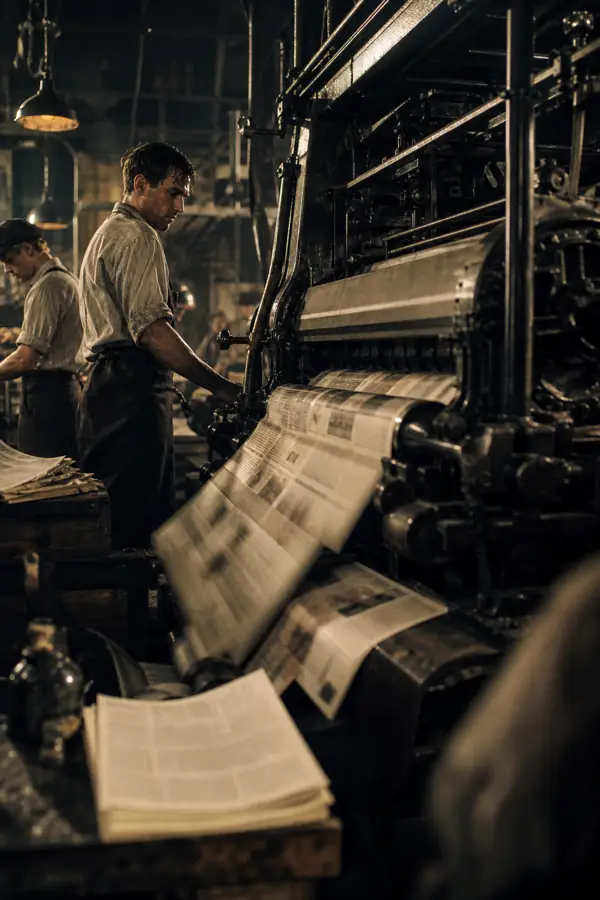
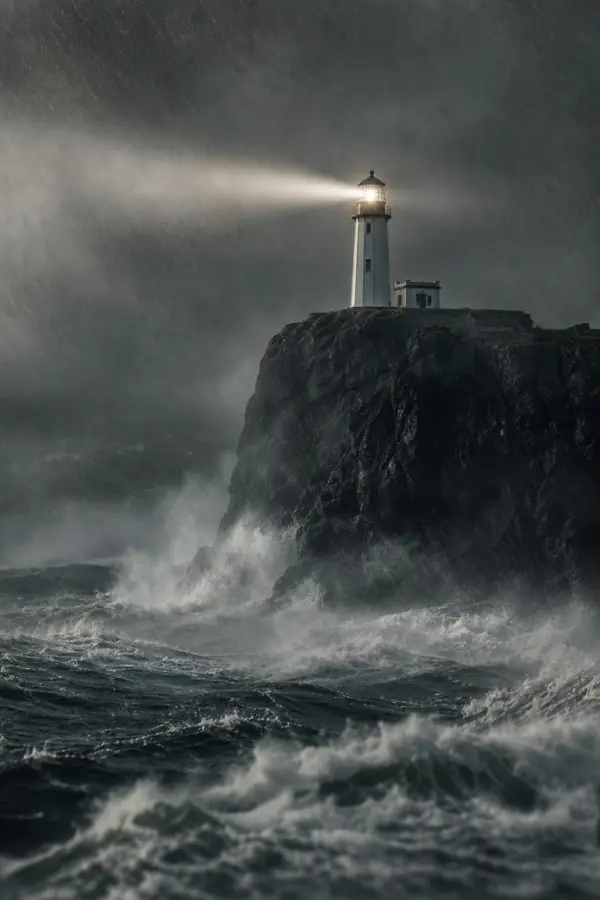
Describe a shot and pick a style — cinematic photo, 3D render, watercolor, cartoon, storybook or line art — and get a scene visual in seconds, in the AI Studio. Keep a character consistent across every image.
No credit card required · free watermarked trials, then from 100 credits

How it works
Describe your scene
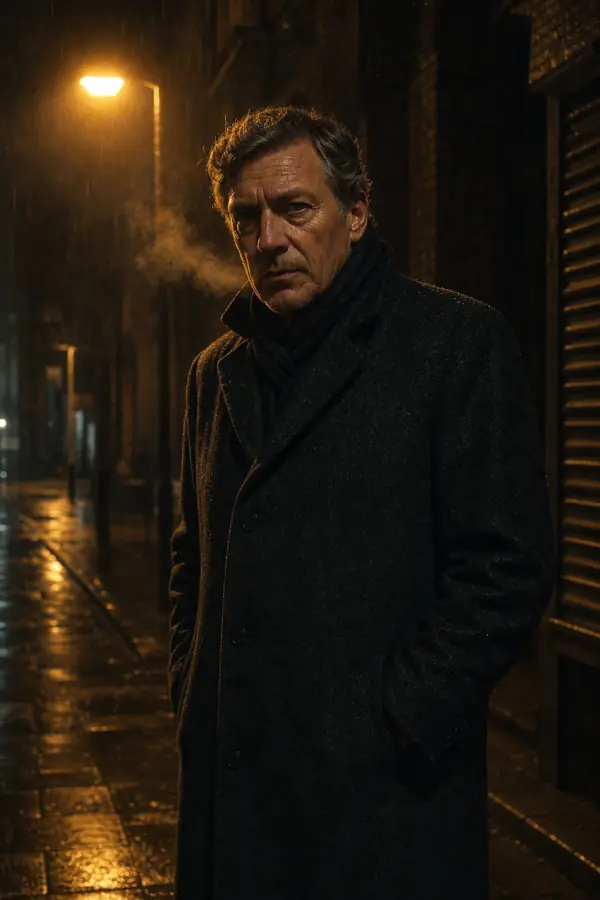
Type the shot you want — a rain-slicked city street at night, a lone hiker on a ridge, a product on a studio backdrop. Every prompt passes a content check.
Pick a style and quality
Choose Cinematic Photo (the default), Cinematic 3D, Watercolor, Cartoon, Storybook or Coloring Page, plus a quality tier — higher is sharper and more detailed.
Generate in seconds
Pick from six live engines — GPT Image 2 (default), Seedream 4.0, Nano Banana, Recraft V3, Imagen 4 Ultra or FLUX 1.1 Pro Ultra.
- PNG
Download or animate
Save the PNG, use it as a video scene, or bring it to life as a short animated clip — all inside the Studio.
Questions, answered
What styles can I generate?
Which image engines can I use?
Can I keep the same character across images?
How much does an image cost?
What sizes / aspect ratios are supported?
Ready to generate an image?
Script, voiceover, scene visuals and video in one place. No credit card required.